How to Free Up Smartphone Storage: Digital Hygiene for Vasylkiv Residents
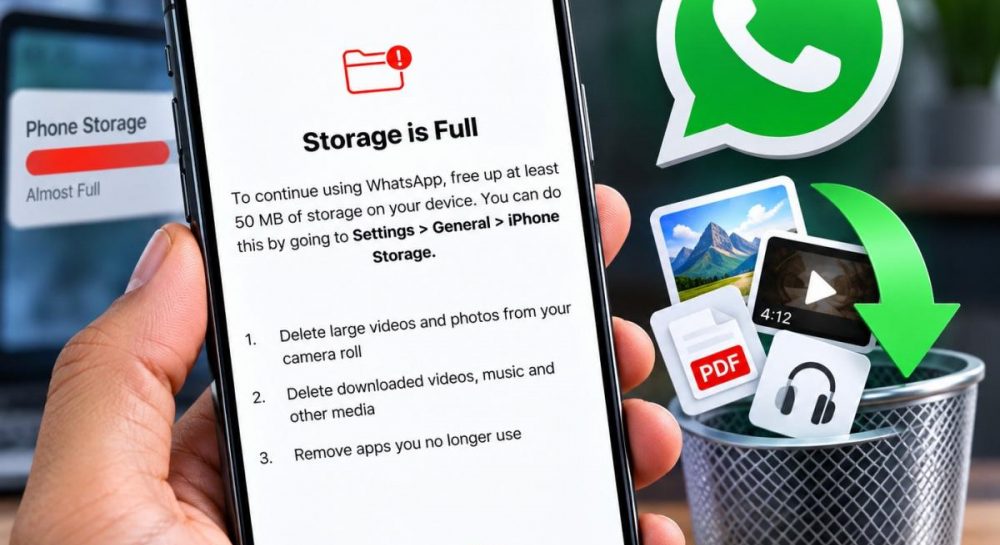
WhatsApp can silently consume up to 10 GB of storage; simple settings help clear space and improve device performance.
 💡Tech
Photo: UNIAN
Key points
- Disabling media auto-download can save up to 10 GB of space.
- iPhone users should disable 'Save to Photos' to prevent gallery clutter.
- The built-in 'Manage Storage' tool identifies and removes large duplicate files.
The modern pace of life in Vasylkiv requires staying constantly connected, which often leads to smartphone storage being overwhelmed by numerous media files from messengers. WhatsApp, one of the most popular communication tools, can silently accumulate gigabytes of data. This is particularly critical for devices with 64 GB or 128 GB of storage, where media files can occupy between 2 and 10 GB, significantly slowing down the operating system over time.
For members of our community who actively use local chats for coordination, transport updates, or power outage schedules, the issue of full storage is quite pressing. A high volume of screenshots, video reports, and graphic announcements in groups can block normal smartphone operation within days. This means that at a critical moment, a device might fail to open an important notification or prevent a user from taking an urgent photo due to lack of space.
Settings for Android and iPhone
For Android users, the key step is disabling automatic media downloads. This can be done via the "Settings" menu by navigating to "Storage and Data." There, you should deactivate auto-downloads for photos and videos over both mobile networks and Wi-Fi. Afterward, users can manually choose which files to download, seeing only blurred previews in chats, which saves both data and storage space.
iPhone owners should pay attention to the feature that duplicates content into the general photo gallery. In the messenger's settings, under the "Chats" section, the "Save to Photos" option should be turned off. This allows received images to be viewed directly within the conversation without cluttering the main photo archive with unnecessary pictures or videos often shared in large groups.
Tools for Quick Cleanup
If storage is already full, WhatsApp offers a built-in tool for a "deep clean." In the "Manage Storage" section, the app automatically analyzes conversations and sorts files by size and frequency of forwarding. This allows users to identify and delete the "heaviest" videos or duplicates within minutes, preserving only truly important memories and documents.
Beyond technical storage aspects, developers have also introduced security options, such as passwords for specific chats. This provides an extra layer of protection for residents' personal information in case a gadget is lost. Regularly checking messenger settings not only maintains phone speed but also ensures that there is always room for new critical updates and essential applications.
Source UNIAN — unian.ua/techno/communications/yak-zvilniti-do-10-gb-na-smartfoni-p… ↗
Read next
 🛡️Security
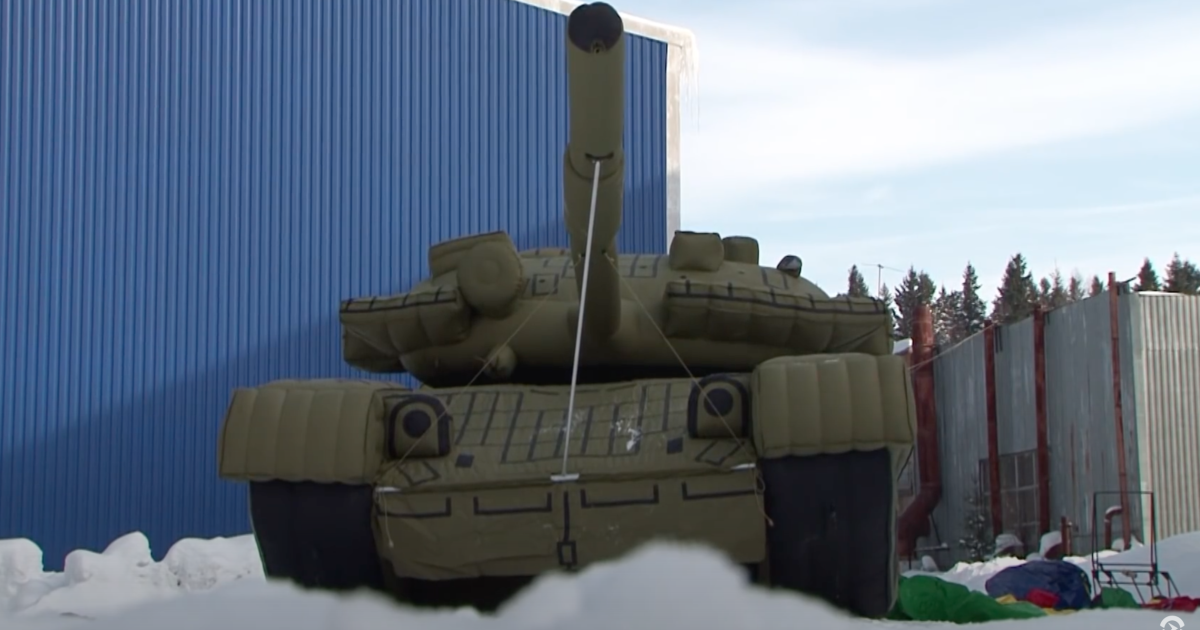
Russia purchases Chinese inflatable military decoys to counter Ukrainian drones
The Russian Federation is mass-ordering realistic inflatable military equipment from China to distract Ukrainian drones from real targets.
 🛡️Security
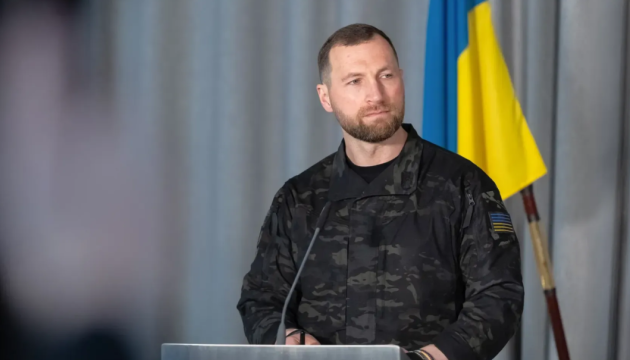
Ukraine and Norway to Scale Up Production of DESNA Air Defense Systems
Ukraine and Norway are increasing the production of DESNA air defense launchers to counter drone threats.
 🇺🇦Ukraine
Estonia warns against attacks on tankers in the Baltic Sea due to environmental risks
Estonian Prime Minister Kristen Michal stated that the country will not allow its territory to be used for attacks on vessels, citing the threat of environmental disaster…
 🏙️City
Reconstruction of Enerhetykiv Street in Bucha: Mayor comments on construction delays
Bucha Mayor Anatoliy Fedoruk announced the acceleration of works on Enerhetykiv Street following a compromise with the contractor.
 🚨Events
Court upholds detention of woman posing as medic during military facility blockade
The Kyiv Court of Appeal has upheld the pretrial detention of a woman accused of orchestrating provocations at a National Guard unit.
 🛡️Security
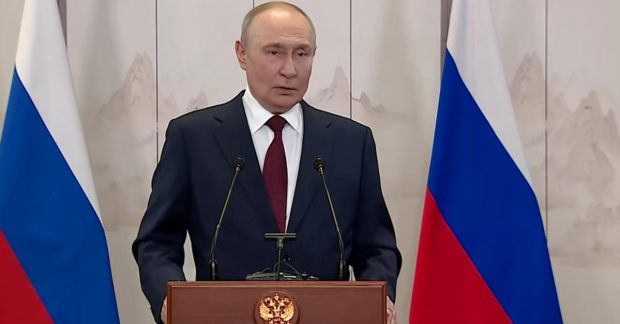
Putin threatens 'inevitable response' to attacks on Russian oil refineries
Vladimir Putin has threatened retaliation for strikes on Russian oil refineries, despite calls from Donald Trump to refrain from such actions.